
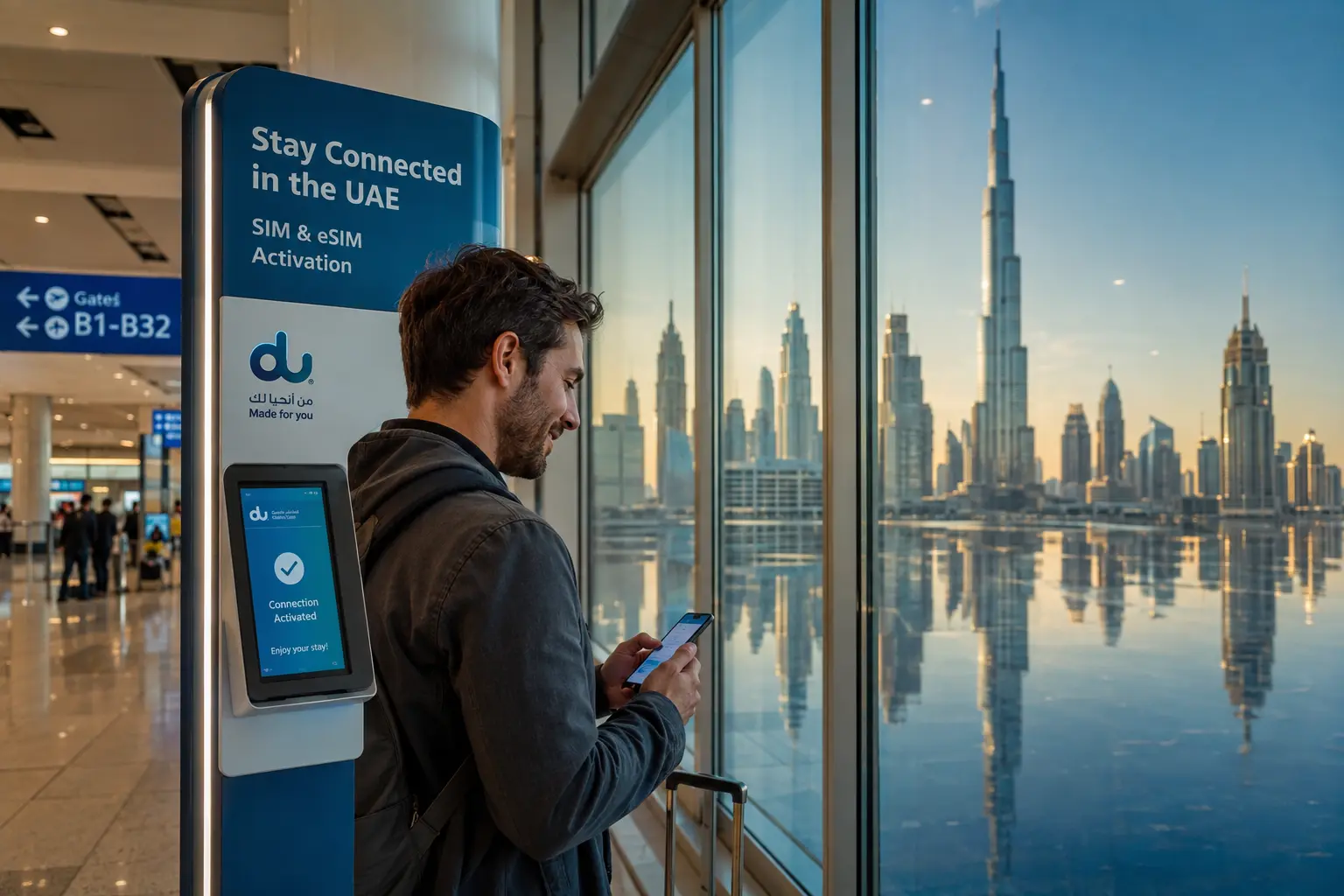
A working mobile connection helps you contact your hotel or transfer provider, use maps and receive travel updates. Compare your existing roaming plan with a local visitor SIM or eSIM before leaving, and keep essential booking details available offline.
Check your phone before buying
An eSIM needs a compatible device and support from the selected provider. Check whether your phone is unlocked, whether it can use an eSIM alongside your existing SIM, and how activation works. A physical SIM requires a compatible, unlocked device and a SIM slot. Ask the provider about your particular model if unsure.
Compare the actual plan terms
Review the data allowance, validity period, local and international calling or SMS, top-up options and any restrictions. Check whether the plan supports the services you intend to use, such as hotspot sharing. Compare the final price and what happens when the allowance or validity ends; offers can change.
Visitor registration and airport setup
The UAE telecom regulator states that visitors can obtain mobile SIMs using a passport, subject to licensed-provider conditions and a limited period. Check the regulator's current visitor information and the provider's requirements. Dubai Airports lists telecom shops at DXB; verify their location and opening hours for your terminal before relying on them.
Roaming or a local plan?
Ask your home operator about UAE roaming charges and whether your plan includes calls, texts and data. A local plan may be useful for a longer stay or local calls, depending on its terms and your needs. If you keep your home number active for security codes, understand which SIM handles data and what roaming charges may apply.
Connect your trip details
Save your flight itinerary, hotel address, transfer meeting point and contact numbers before you travel. If you arrange transport, confirm how to reach the driver after landing. Our airport transfer guide has a practical arrival checklist.
Simple connectivity checklist
- Check phone compatibility and whether the device is unlocked.
- Review the plan's cost, validity, data and call allowances.
- Check registration and identity requirements with the provider.
- Keep your hotel address and booking documents available offline.
- Use a trusted connection and protect your account passwords and verification codes.
Contact Friends Guide Travel for help planning flights, hotels or other parts of your Dubai trip.
Frequently asked questions
Can visitors obtain a SIM in the UAE?
The UAE telecom regulator says visitors can obtain SIM cards using a passport, subject to licensed-provider conditions and a limited period.
Does every phone support an eSIM?
No. Check your device's eSIM compatibility, lock status and the provider's activation requirements before purchasing.
Should I use roaming or a local SIM?
Compare total cost, validity, data, call and SMS allowances, and whether you need your home number for verification messages.
Where can I get connected after landing?
Dubai Airports lists telecom shops at DXB. Check the provider's current location, opening hours and registration requirements for your terminal.